
2nd Grade Fractions Worksheets | Free Printables
2nd Grade Fractions Worksheets
On this page children practice fractions to learn how to divide whole objects into equal pieces. In second grade, students focus on recognizing and naming basic fractions like halves (1/2), thirds (1/3), and fourths (1/4). Through these activities, children understand that a fraction is just a part of a whole, and they learn the critical math rule: every single piece must be exactly the same size.
Choose a topic below to find activities for your child’s current learning goals, whether you are practising together at home or using the worksheets in the classroom.
Fractions Worksheets (PDF) - Halves, Thirds, Quarters
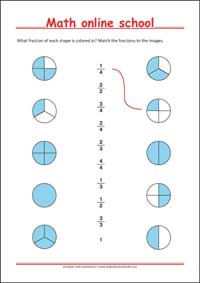
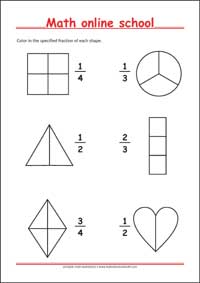
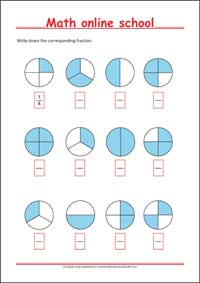
The printable worksheets provide practice with fractions concepts, and recognizing and naming basic fractions like halves (1/2), thirds (1/3), and fourths (1/4). They can be used for independent practice, homework or classroom activities.
Online Fractions Worksheet Generators
Generate New Counting and Number Worksheets with Answers
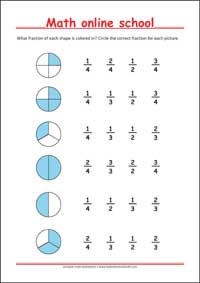
The interactive worksheet generators offer additional practice with recognizing fractions, comparing fractions and understanding that a fraction is just a part of a whole. Each new worksheet uses different numbers, allowing children to repeat an activity and strengthen their understanding. All activities also include answer keys, making it easier for parents and teachers to check completed work.