

4th Grade Addition and Subtraction Worksheets
Online School > Learning Math > Math 4th Grade




Addition and Subtraction – 4th Grade Math Worksheets
These fourth-grade addition and subtraction worksheets help students develop calculation skills and build confidence when working with larger numbers. The activities cover mental maths, step-by-step calculations, missing-number problems, number relationships, and addition and subtraction in columns.
The printable PDF worksheets include addition and subtraction with numbers up to 1,000,000. Students can practice adding and subtracting tens, hundreds and thousands, working with partial sums, solving related problems, and using regrouping in column subtraction.
The worksheet generators provide additional practice with different types of calculations, including missing-number exercises, input/output tables, and column addition and subtraction. Each generated worksheet includes an answer key, making it easy to check completed work.
Choose a topic below to find suitable activities for extra practice at home or in the classroom.
Generate Mental Addition and Subtraction Worksheets
Addition Worksheets up to 1,000,000
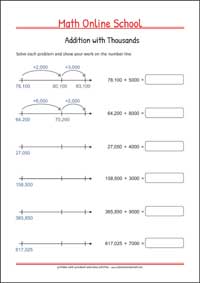
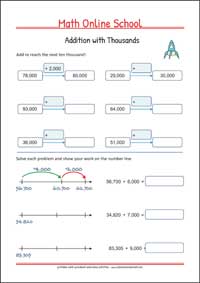
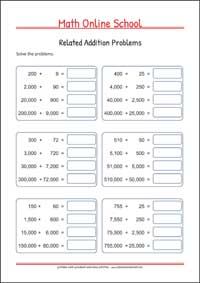
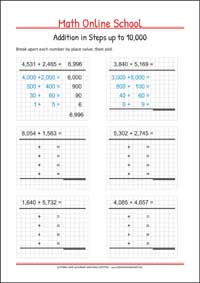
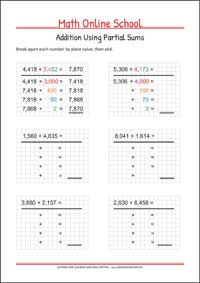
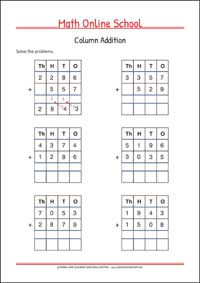
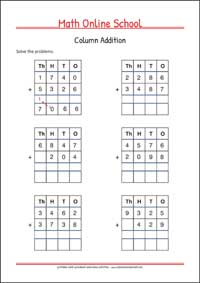
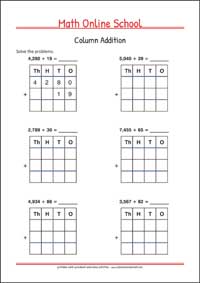
These worksheets cover a variety of addition skills, from calculations in steps and mental maths to missing-number problems and column addition. Children can practice adding numbers in different ways, including working with tens, hundreds and thousands, and develop confidence in their calculation skills.
Printable Addition Worksheets (PDF)
These printable PDF worksheets provide structured addition practice for home or school. Children can work through the exercises at their own pace, strengthen their calculation skills and revisit different types of addition problems.
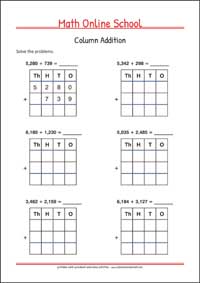
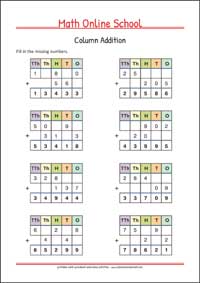
Generate Addition Worksheets with Answers
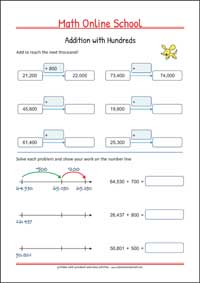
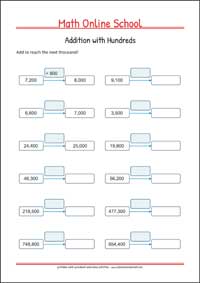
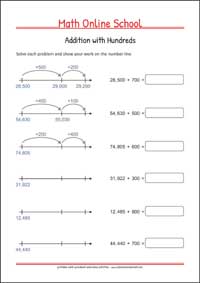
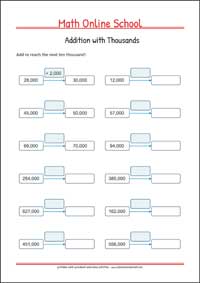
The worksheet generators create new addition exercises with answer keys for repeated practice. They cover a variety of skills, from basic addition and missing-number problems to input/output tables, adding whole hundreds, thousands and ten thousands, comparing equations and column addition. Each new worksheet uses different numbers, giving children plenty of opportunities to practice and build confidence.
Mental Addition up to 10,000
Addition in Columns
Subtraction Worksheets within 1,000,000
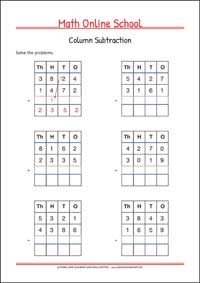
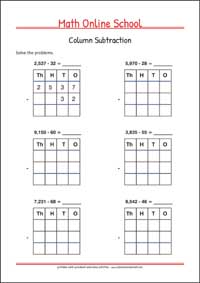
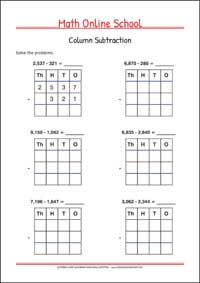
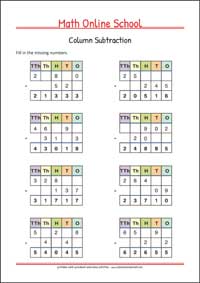
These worksheets cover a variety of subtraction skills, including basic calculations, mental maths, missing-number problems, step-by-step subtraction and column subtraction. Children can practise subtracting hundreds, thousands and ten thousands, explore number relationships and develop their calculation skills. These printable worksheets provide structured subtraction practice for home or school. Children can use them to strengthen their calculation skills, review familiar concepts and practise different types of subtraction problems.
Printable Subtraction Worksheets (PDF)
These printable PDF worksheets provide structured subtraction practice for home or school. Children can use them to strengthen their calculation skills, review familiar concepts and practise different types of subtraction problems.
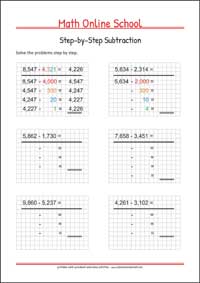
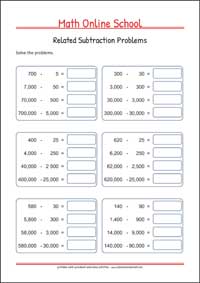
Generate Subtraction Worksheets with Answers
The worksheet generators create new subtraction exercises with answer keys for repeated practice. They include calculations with numbers up to 1,000,000, mental math, missing-number problems, input/output tables, subtracting whole tens, hundreds and thousands, and column subtraction with 3-digit, 4-digit and 5-digit numbers, including exercises with borrowing. Each new worksheet uses different numbers, allowing children to practise the same skills in a variety of ways.
Mental Subtraction up to 10,000
Subtracting in Columns

