

4th Grade Fractions and Decimals Worksheets
Online School > Learning Math > Math 4th Grade




4th Grade Fractions and Decimals Worksheets
These fourth-grade fractions and decimals worksheets help students develop a deeper understanding of fractions and decimal numbers. The activities cover recognising, representing and comparing fractions, finding equivalent fractions, simplifying fractions, and converting between mixed numbers and improper fractions.
Students can also practice adding and subtracting fractions, multiplying fractions by whole numbers, and finding fractions of whole numbers. The decimal worksheets cover decimal place value, comparing and rounding decimals, representing decimals on number lines, and performing addition and subtraction with decimal numbers.
The printable PDF worksheets offer a variety of exercises for independent practice at home or in the classroom. Interactive worksheet generators create new problems with different numbers and include answer keys, allowing students to practise repeatedly and check their work.
Choose a topic below to find suitable activities for extra practice.
Fractions Worksheets
Printable Fractions Worksheets (PDF)
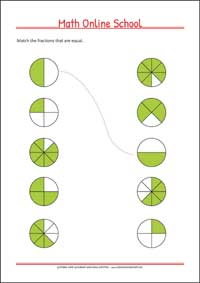
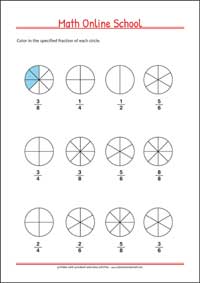
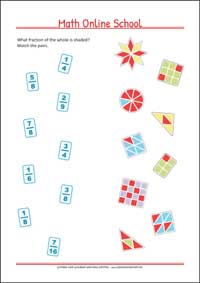
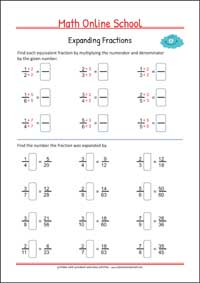
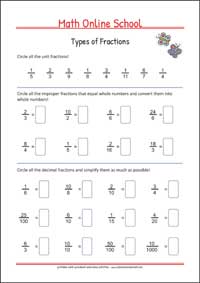
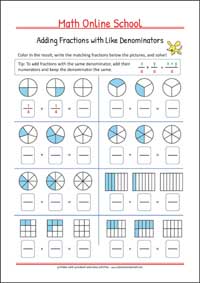
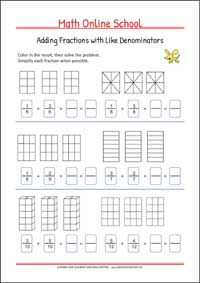
These free printable fraction worksheets provide practice with recognising, naming and representing fractions using pictures. Students can identify fractions of shapes, place fractions on number lines, and explore equivalent fractions and fraction comparisons. The worksheets can be used for independent practice, homework or classroom activities.

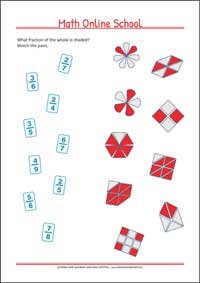
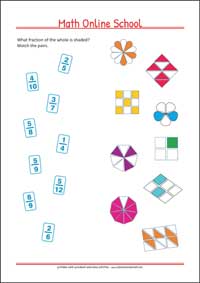
Generate Fractions Worksheets with Answers
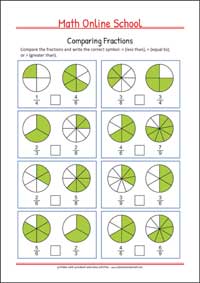
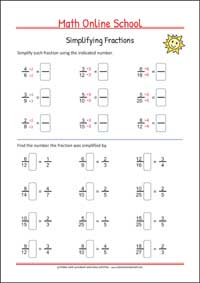
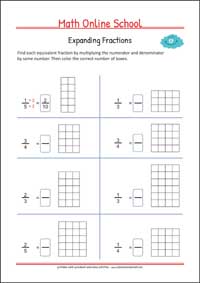
The worksheet generators create new fraction exercises with answers for repeated practice. They cover recognising and comparing fractions with the same or different denominator, finding fractions of whole numbers, expanding and simplifying fractions, converting mixed numbers to improper fractions and vice versa, completing whole numbers, adding and subtracting fractions and multiplying fractions by whole numbers. Children can also practice converting fractions to decimals and decimals to fractions.
Each new worksheet uses different numbers, allowing children to repeat activities and strengthen their understanding. All generators include answer keys, making it easier for parents and teachers to check completed work.
Fractions and Decimals
Decimals Worksheets
Printable Decimals Worksheets (PDF)
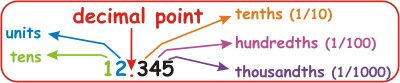
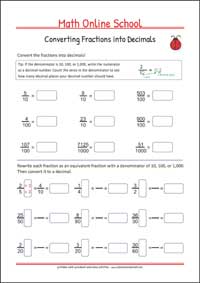
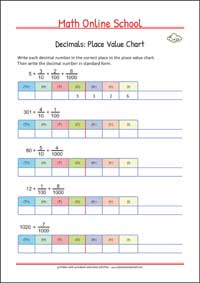
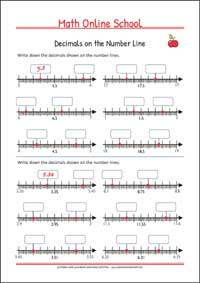
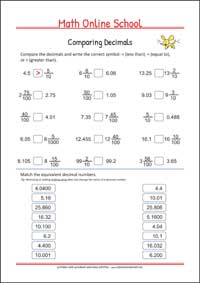
These free printable decimal worksheets introduce decimal numbers and provide practice with converting fractions to decimals and decimals to fractions. Students can also represent decimals on number lines, read and write decimal numbers using place value charts, and understand how decimals relate to fractions with denominators of 10 and 100. The worksheets can be used for independent practice, homework or classroom activities.
Generate Decimal Worksheets with Answers
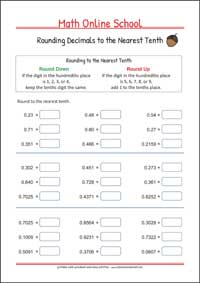
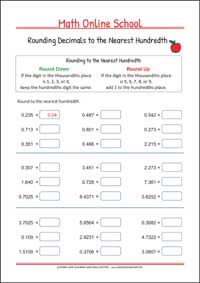
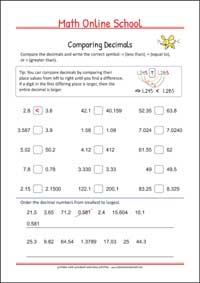
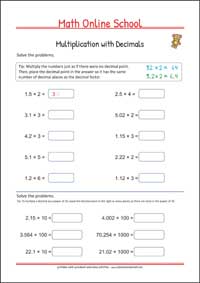
The worksheet generators create new decimal exercises with answers for repeated practice. They cover comparing decimals, rounding decimals, adding whole numbers and decimals, adding decimals to the tenths place, and subtracting decimals from whole numbers or other decimals. Children can also practice adding to the next whole number and working with decimal place value.
Each new worksheet uses different numbers, allowing children to repeat activities and strengthen their understanding. All generators include answer keys, making it easier for parents and teachers to check completed work.
Advanced Exercises for Bright Minds

