
3rd Grade Geometry Worksheets | Free Printable PDFs




3rd Grade Geometry Worksheets
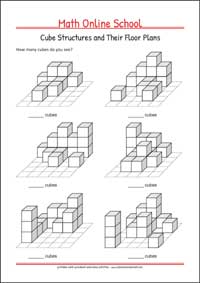
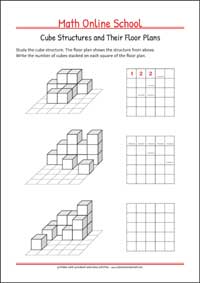
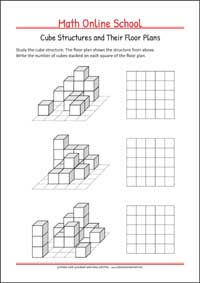
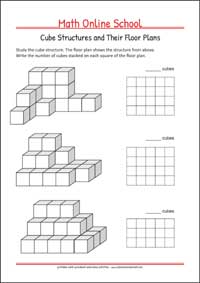
These third-grade geometry worksheets help children explore shapes, recognize patterns, and develop spatial reasoning skills. The activities cover two-dimensional (2D) and three-dimensional (3D) shapes, building and interpreting cube structures, copying patterns, completing mirror images, and following directions.
The printable PDF worksheets offer a variety of visual activities that encourage children to observe carefully, identify shapes and patterns, and understand how objects are arranged in space. They can be used for extra practice at home, independent learning, or classroom activities.
Choose a worksheet that matches your child's current learning goals and help them develop their geometry skills through a variety of exercises.
Printable Geometry Worksheets (PDF)
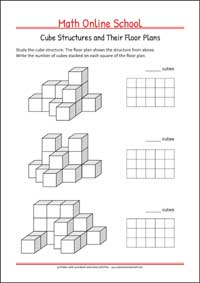
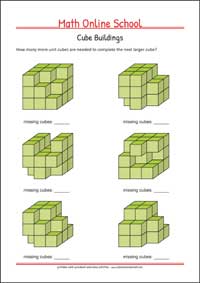
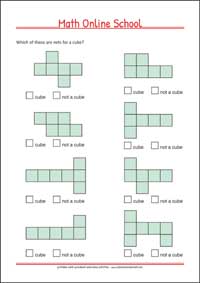
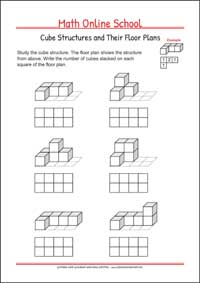
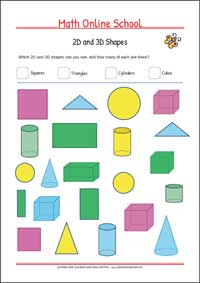
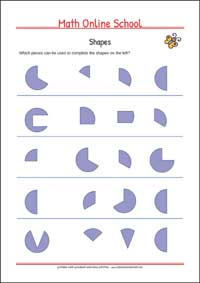
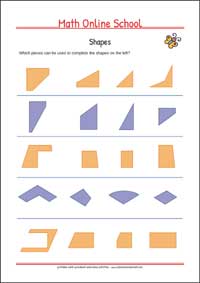
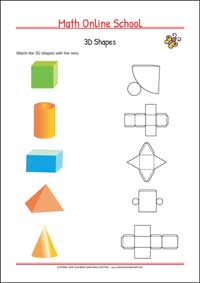
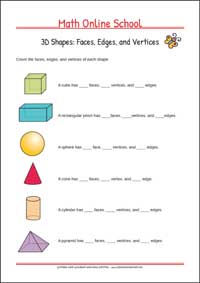
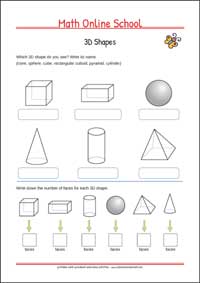
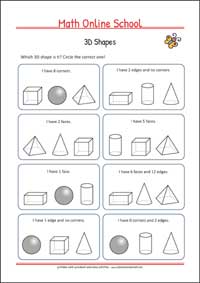
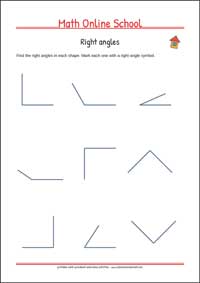
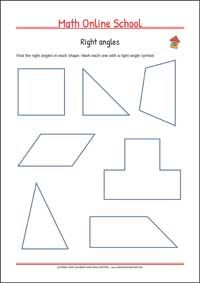
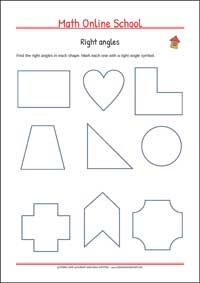
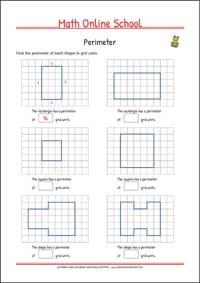
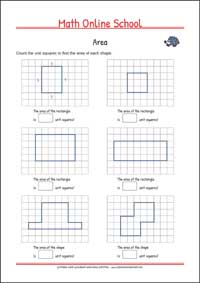
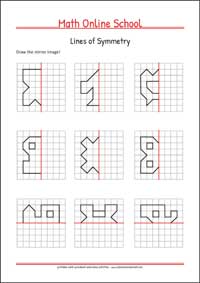
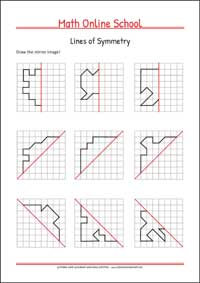
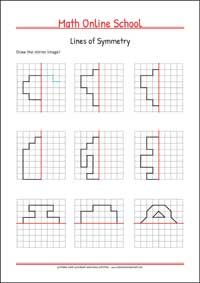
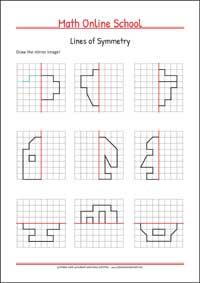
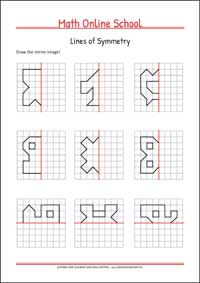
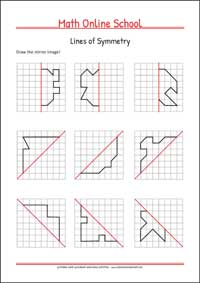
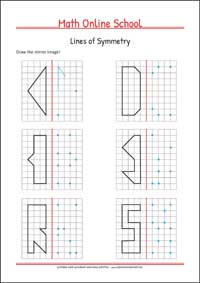
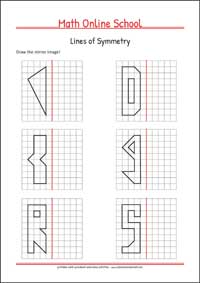
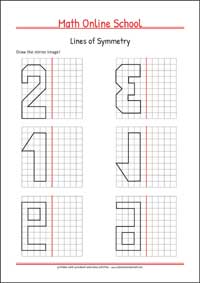
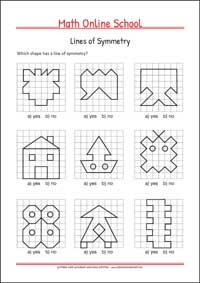
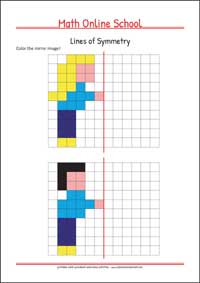
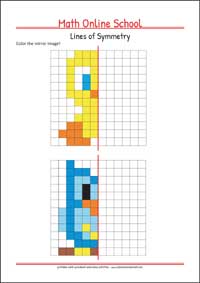
These free printable geometry worksheets provide practice with a range of third-grade geometry topics. Children can identify and recognize 2D and 3D shapes, match 3D shapes to their nets, work with cube structures and their floor plans, copy visual patterns, complete mirror images using lines of symmetry, recognize right angles, and calculate perimeter and area by counting unit squares.
The worksheets are available as PDF files, making them easy to download and print for use at home or in the classroom.
2D & 3D Shapes
Lines of Symmetry
Cube Structures and Their Floor Plans